Layer Stack
Build materials from non-destructive layers with opacity, blend modes and per-channel control. Reorder anytime.
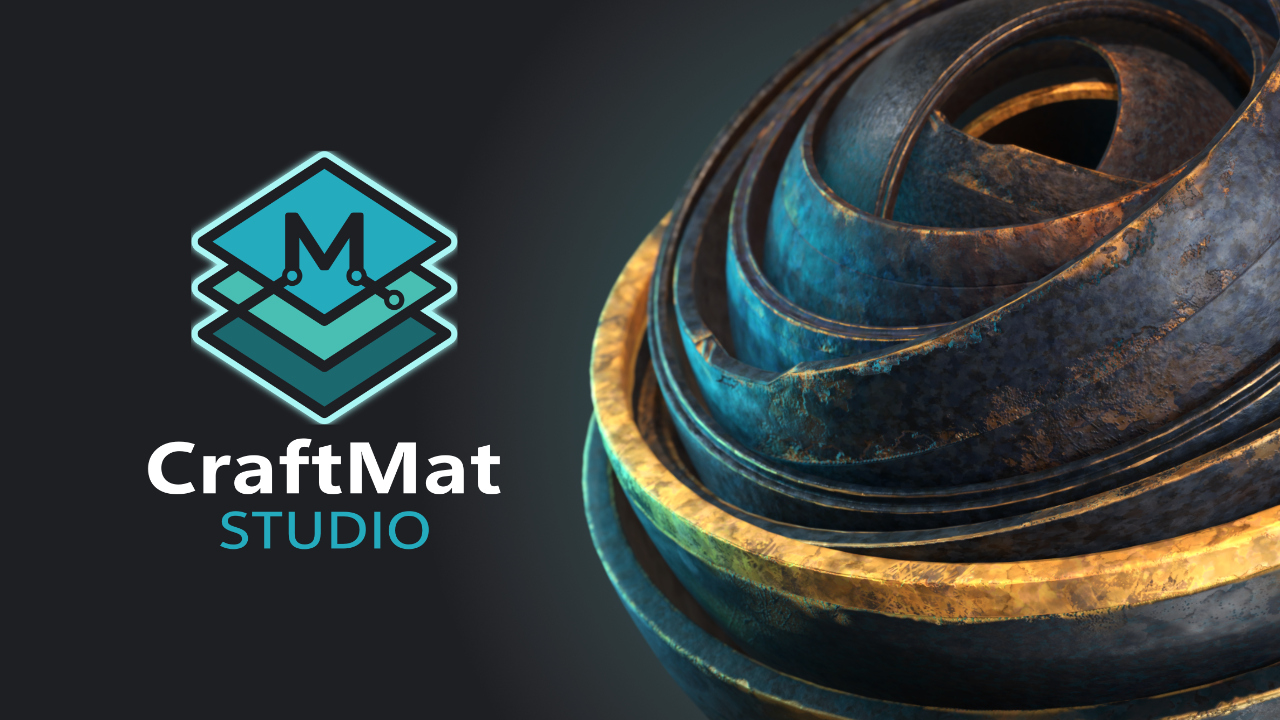
CraftMat Studio — for Blender 4.5+
Substance-style layer stacks, smart masking and one-click PBR baking — native in Blender. If you can use a layer panel, you can texture like a pro.
Toggle layers — this is how every material is built in CraftMat
The Workflow
Scroll through the steps — the preview sphere gains a layer at each one, exactly like stacking layers in CraftMat.
Lay the foundation — a solid color, an image texture, or strokes painted straight onto the model.
Matte, satin or glossy — control how light scatters across the surface per layer.
Slide into conductive metal. CraftMat wires the correct reflections for you.
Fine surface detail with zero extra polygons — bumps, dents and engraving.
One click bakes every channel and cleans the node tree — export-ready for games or rendering.
Features
Every feature exists to get you out of the node editor and back into the viewport.
Build materials from non-destructive layers with opacity, blend modes and per-channel control. Reorder anytime.
Nest layers and mask one underneath another — rust showing through chipped paint, dirt pooling in grooves.
Paint straight onto your model in the viewport. Strokes land exactly where you draw them.
Edge wear, cavity and ambient occlusion generated natively in Eevee — no Cycles round-trip, no waiting.
Bake all PBR maps instantly, then CraftMat wires the results into a clean node setup for you.
Bake detailed high-poly setups onto low-poly meshes — game-ready assets without the usual pain.
Draw strokes, place stamps and patterns, or type text — Marmoset-style vector tools in every mask slot.
Pull properties from layers below, and add instant variation with built-in noises and color ramps.
Real footage
Actual viewport recordings — no cuts, no mockups. Click any video to play.
Get it
Buy in once at $20 — every update until version 1.0 lands in your library free.
FAQ
A layer-based PBR texturing, masking and baking add-on for Blender 4.5+. It replaces manual node editing with a non-destructive layer stack — stack layers, paint on your model, generate wear, and bake PBR maps with one click.
Yes. Everything works from a simple panel in the Blender sidebar. If you've used layers in any image editor, you already know how to use CraftMat.
Yes. Edge wear, cavity and ambient occlusion masks are calculated natively in Eevee — no engine switching, no slow bakes just to preview wear.
The full add-on with a personal and commercial license, and every update free until version 1.0. Buy once at $20 — the price never increases for you.
Yes. High-to-low poly baking transfers your layered setup onto a lower-poly object, then auto-cleans the scene so the model is export-ready.
Blender 4.5 and newer, on Windows, macOS and Linux.